Projects

Design Resource

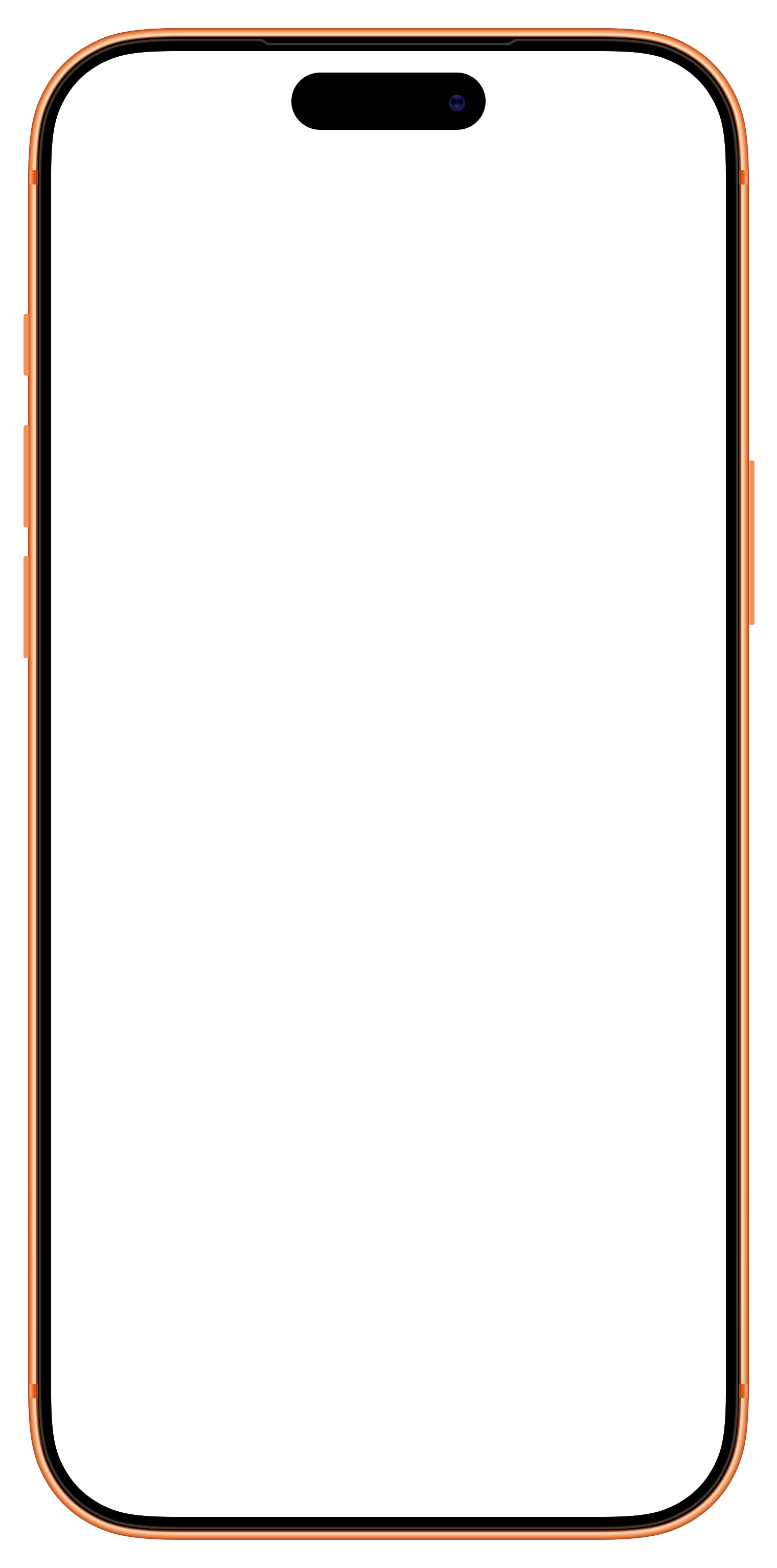
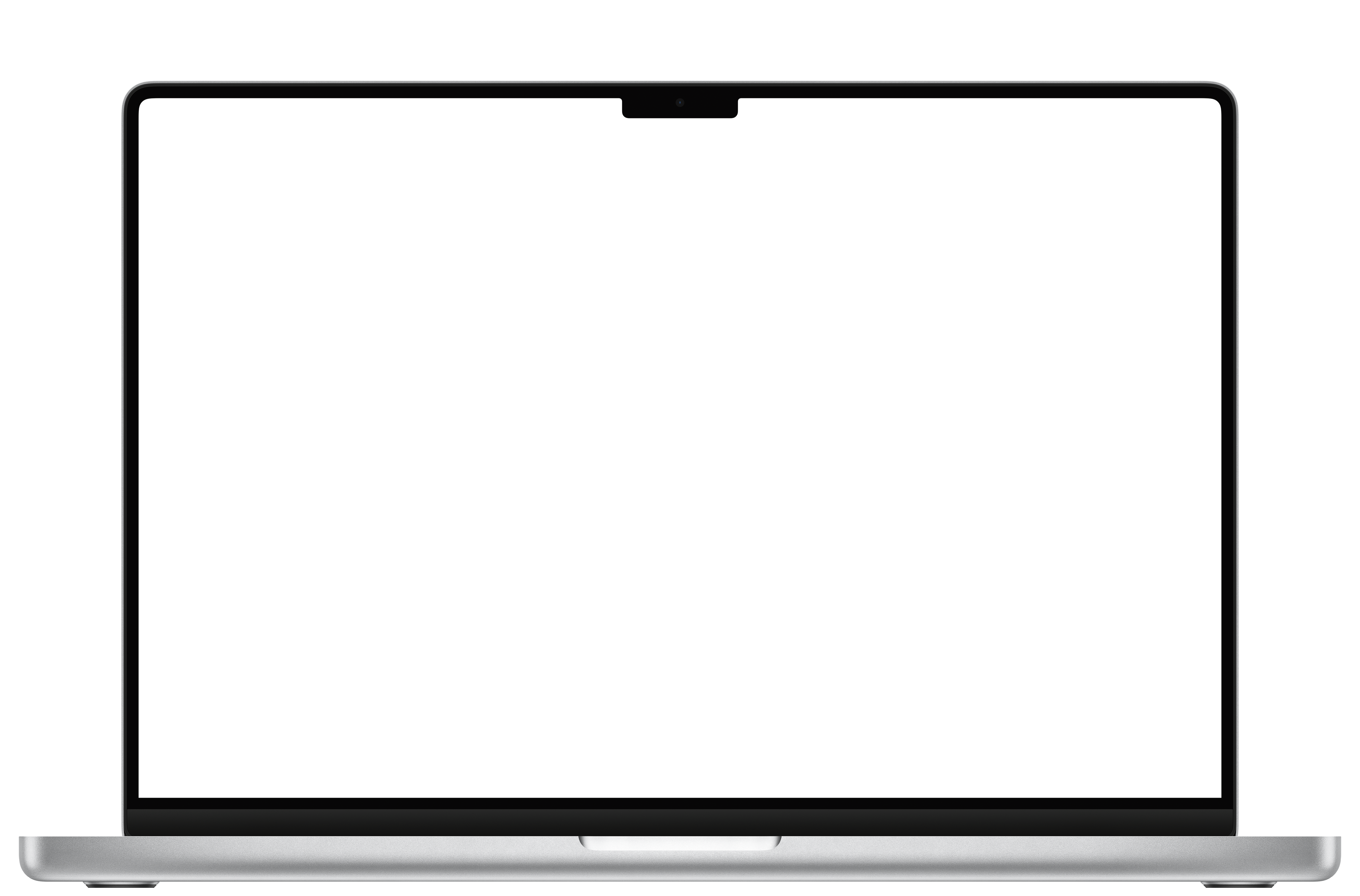
Mockup Device Frames

Pixel-accurate re-creations of popular devices for designing and presenting work. Phones, tablets, laptops, and monitors across iOS, iPadOS, macOS, Android, and Windows.

1.0

Overview

1.1

At a glance

Apple publishes their own frames which is great, but coverage drops off pretty quickly for everything else, especially Android and Windows. I've been collecting and making my own over the years to fill the gaps, and try to keep them updated as new hardware comes out. They're free to use.

The set ships in a few different formats so you can drop them into whatever tool you're working in — design files in Sketch and Figma, a drop-in web component for case studies and blog posts, and the raw artwork for everything else.

2.0

Using them

A few different formats depending on the tool you're working in.

2.2

As an embeddable web component

If you're working on a website (a portfolio page, a case study, a blog post) and want device-framed screenshots, I host the frames as a drop-in component at jjy.me/deviceframe/v1. Two tags and your screenshot renders inside the right bezel — no npm or build step.

<link rel="stylesheet" href="https://jjy.me/deviceframe/v1/device-frame.css">

<img class="device-frame iphone-latest" src="screenshot.png" alt="App screenshot">

<script src="https://jjy.me/deviceframe/v1/index.js"></script>
<script>
  window.addEventListener('DOMContentLoaded', () => {
    window.DeviceFrame.init({
      manifest: 'https://jjy.me/deviceframe/v1/manifest.json'
    });
  });
</script>

A few examples of how to specify the device:

<!-- Alias; auto-updates as new hardware lands -->
<img class="device-frame iphone-latest" src="app.png" alt="App on iPhone">

<!-- Specific device by ID -->
<img class="device-frame" data-device-id="macbook-pro-16" src="app.png" alt="App on MacBook">

<!-- Specific colour variant -->
<img class="device-frame" data-device-id="iphone-17-pro-cosmic-orange" src="app.png" alt="…">

The full resolution rules, the alias list, and the advanced options are below.

2.3

As SVGs / PNGs

For anything not covered above (Affinity, Illustrator, slide decks, presentation software), the raw assets are on GitHub. The repo also lists credits for the frames that aren't entirely my own work.

3.0

Web component reference

Everything you might need when integrating the hosted runtime.

3.1

Specifying a device

The runtime resolves device IDs in priority order:

  1. data-device-id attribute — explicit, always wins.
  2. A non-device-frame CSS class on the element — use an alias or a full device ID.
<!-- Explicit ID via attribute (recommended for colour variants) -->
<img class="device-frame" data-device-id="iphone-17-pro-cosmic-orange"
     src="screenshot.png" alt="…">

<!-- Alias via class (auto-updates when new hardware releases) -->
<img class="device-frame iphone-latest" src="screenshot.png" alt="…">

<!-- Full ID via class -->
<img class="device-frame macbook-pro-16" src="screenshot.png" alt="…">
3.2

Aliases

Aliases resolve to the newest device in their category. They update automatically as new devices are added — so your markup stays evergreen.

Alias Resolves to Notes
iphone-latest iphone-17-pro-max Largest current iPhone Pro
iphone-pro-latest iphone-17-pro Standard-size iPhone Pro
iphone-pro-max-latest iphone-17-pro-max Largest current iPhone Pro Max
pixel-latest pixel-9-pro-xl Largest current Pixel Pro
ipad-latest ipad-pro-13-m4-m5-landscape 13" iPad Pro, landscape
macbook-latest macbook-pro-16 16" MacBook Pro
display-latest studio-display Apple Studio Display
3.3

Screenshot sizing

Your screenshot should match the screen resolution listed in the catalogue below — that's the pixel area the bezel artwork exposes. The runtime scales everything via CSS, so you don't need to produce images at native frame resolution; you just need the correct aspect ratio.

If your screenshot has a different aspect ratio to the screen area, object-fit: cover is applied — the image fills the screen, cropped to centre.

3.4

Advanced usage

Custom selector

By default the runtime targets .device-frame. Pass a custom CSS selector to init() to scope it differently.

window.DeviceFrame.init({
  manifest: 'https://jjy.me/deviceframe/v1/manifest.json',
  selector: '.my-mockup'   // target .my-mockup elements instead
});

Custom aliases

Extend or override the built-in aliases by passing an aliases object.

window.DeviceFrame.init({
  manifest: 'https://jjy.me/deviceframe/v1/manifest.json',
  aliases: {
    ...window.DeviceFrame.defaults.aliases, // keep built-ins
    'my-phone': 'iphone-17-pro-max'         // add your own
  }
});

Inline manifest

If you want to avoid the manifest fetch (e.g. for strict CSPs), set window.DEVICE_FRAME_MANIFEST to the manifest object before calling init() and the runtime will use it directly.

Fallback when an asset is missing

If a device has no frame artwork (asset_exists: false in the manifest), the wrapper renders with a plain rounded border and light background — so your screenshot is still displayed cleanly rather than broken.

4.0

Device catalogue

4.1

Devices

32 primary devices, 58 colour variants, 90 IDs total. Colour variants share the same geometry as their base device — use the full variant ID to select a specific finish.

iOS — iPhone

Device Device ID Screenshot resolution Aspect ratio Colour variants
iPhone 13 Mini iphone-13-mini 1080 × 2340 9:19.5 blackbluepinkproduct-redstarlight
iPhone 17 Pro iphone-17-pro 1206 × 2622 9:19.5 cosmic-orangedeep-bluesilver
iPhone 17 Pro Max iphone-17-pro-max 1320 × 2868 9:19.5 cosmic-orangedeep-bluesilver
iPhone Air iphone-air 1290 × 2796 9:19.5 cloud-whitelight-goldsky-bluespace-black

iPadOS — iPad

Device Device ID Screenshot resolution Aspect ratio Colour variants
iPad Air 11 M2 M3 (Portrait) ipad-air-11-m2-m3-portrait 1640 × 2360 10:7 bluelavenderspace-graystardust
iPad Air 13 M2 M3 (Landscape) ipad-air-13-m2-m3-landscape 2732 × 2048 10:7 bluelavenderspace-graystardust
iPad Mini 8 3 (Landscape) ipad-mini-8-3-landscape 2266 × 1488 3:2 9-a15-a17-pro-starlight
iPad Mini 8 3 (Portrait) ipad-mini-8-3-portrait 1488 × 2266 2:3 9-a15-a17-pro-starlight
iPad Pro 11 M4 M5 (Landscape) ipad-pro-11-m4-m5-landscape 2420 × 1668 7:10 silverspace-black
iPad Pro 11 M4 M5 (Portrait) ipad-pro-11-m4-m5-portrait 1668 × 2420 10:7 silverspace-black
iPad Pro 13 M4 M5 (Landscape) ipad-pro-13-m4-m5-landscape 2752 × 2064 4:3 silverspace-black
iPad Pro 13 M4 M5 (Portrait) ipad-pro-13-m4-m5-portrait 2064 × 2752 3:4 silverspace-black

macOS — MacBook

Device Device ID Screenshot resolution Aspect ratio Colour variants
MacBook Air 13 macbook-air-13 2560 × 1664 16:10
MacBook Air 15 macbook-air-15 2880 × 1864 16:10
MacBook Pro 14 macbook-pro-14 3024 × 1964 16:10
MacBook Pro 16 macbook-pro-16 3456 × 2234 16:10

Mac Desktop

Device Device ID Screenshot resolution Aspect ratio Colour variants
iMac 24 imac-24 4480 × 2520 16:10 bluegreenorangepurpleredsilveryellow
Pro Display XDR pro-display-xdr 6016 × 3384 16:10
Studio Display studio-display 5120 × 2880 16:10

Android — Phone

Device Device ID Screenshot resolution Aspect ratio Colour variants
Pixel 9 Pro pixel-9-pro 1280 × 2856 9:19.5 hazelobsidianrose-quartz
Pixel 9 Pro XL pixel-9-pro-xl 1344 × 2992 9:19.5 hazelobsidianrose-quartz

Android — Tablet

Device Device ID Screenshot resolution Aspect ratio Colour variants
Pixel Tablet pixel-tablet 2747 × 1731 16:10 hazelporcelain
Samsung Galaxy Tab S11 Ultra samsung-galaxy-tab-s11-ultra 2960 × 1848 16:10

Windows — Desktop

Device Device ID Screenshot resolution Aspect ratio Colour variants
Dell UltraSharp 5K 27 dell-ultrasharp-5k-27 5120 × 2880 16:9 monitor
Huawei MateView 4 5K huawei-mateview-4-5k 3840 × 2560 16:10
Samsung ViewFinity S90PC 5K samsung-viewfinity-s90pc-5k 5120 × 2880 16:9

Windows — Laptop

Device Device ID Screenshot resolution Aspect ratio Colour variants
Dell XPS 13 dell-xps-13 2700 × 1686 16:10 2024-oled-graphite2024-oled-platinum
Dell XPS 14 dell-xps-14 2921 × 1825 16:10 2024-graphite2024-platinum
Dell XPS 16 dell-xps-16 3284 × 2054 16:10 2024-graphite2024-platinum
Surface Laptop 13 surface-laptop-13 2304 × 1536 16:10 platinum
Surface Laptop 15 surface-laptop-15 2496 × 1664 16:10 platinum
ThinkPad P14s Gen 5 thinkpad-p14s-gen5 1920 × 1200 16:10 gen-5